Decoder
Devices initially send their readings as raw data. A decoder translates this raw data into readable values such as temperature or battery level. On this page you manage these decoders.
Keeping track of your decoders
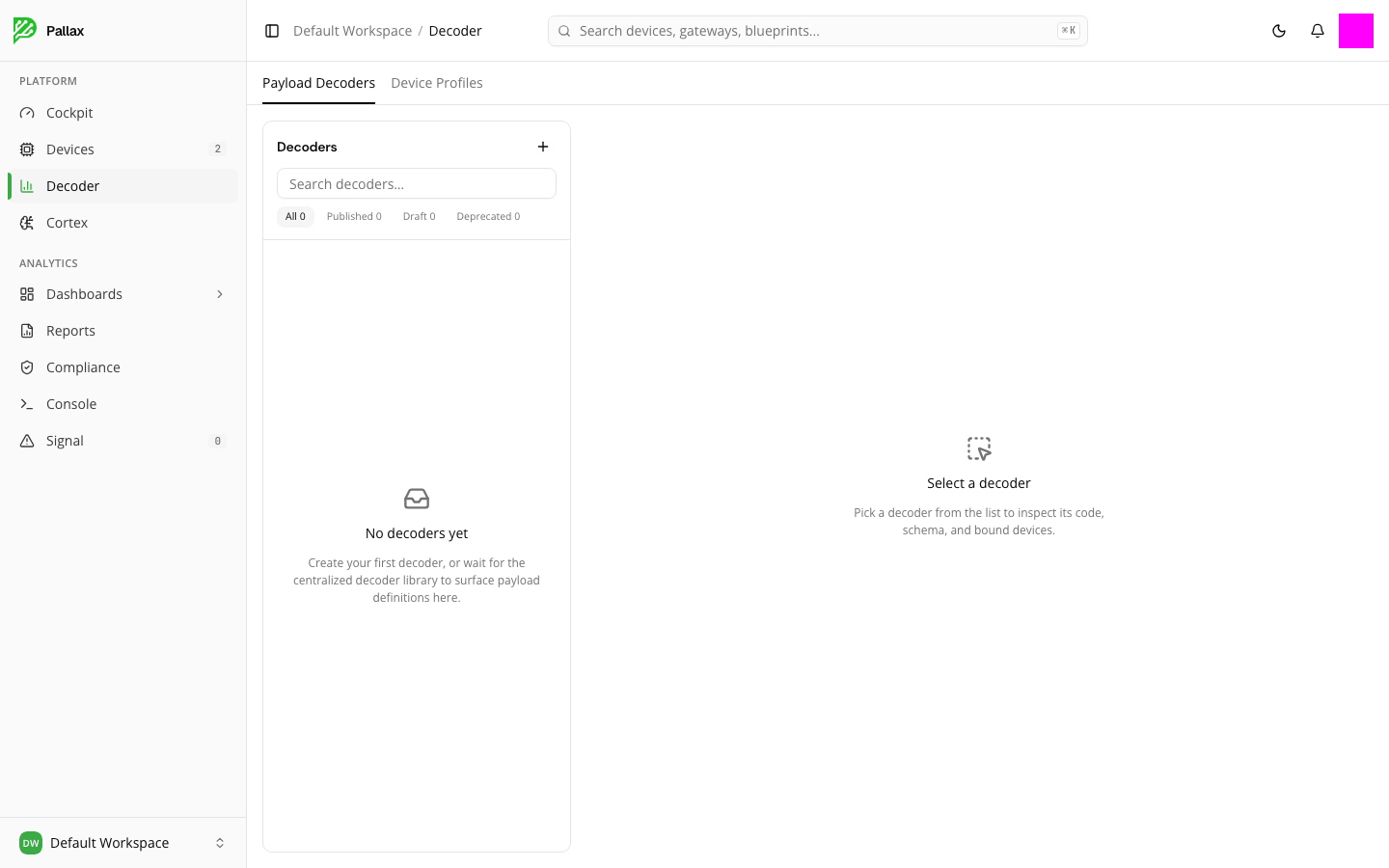
At the top of the page you switch between Payload Decoders and Device Profiles. The filter bar shows how many decoders exist in total, published, in draft, or deprecated. Selecting a decoder from the list shows its code, its schema, and the devices linked to it on the right.
If you haven't set up your own decoder yet, the list stays empty — for many common device models, the central decoder library automatically supplies the matching definition as soon as it's needed.
Creating a new decoder
The Create decoder button starts a wizard. In the first step you choose the technology:
- LoRaWAN creates a device profile — the same entry type you'll also find under Device Profiles. Use that tab for later edits, not a separate catalog.
- Mioty creates a standalone payload decoder.