
Cortex
Cortex shows where your devices' data flows, and lets you set up new destinations for it.
What the view shows
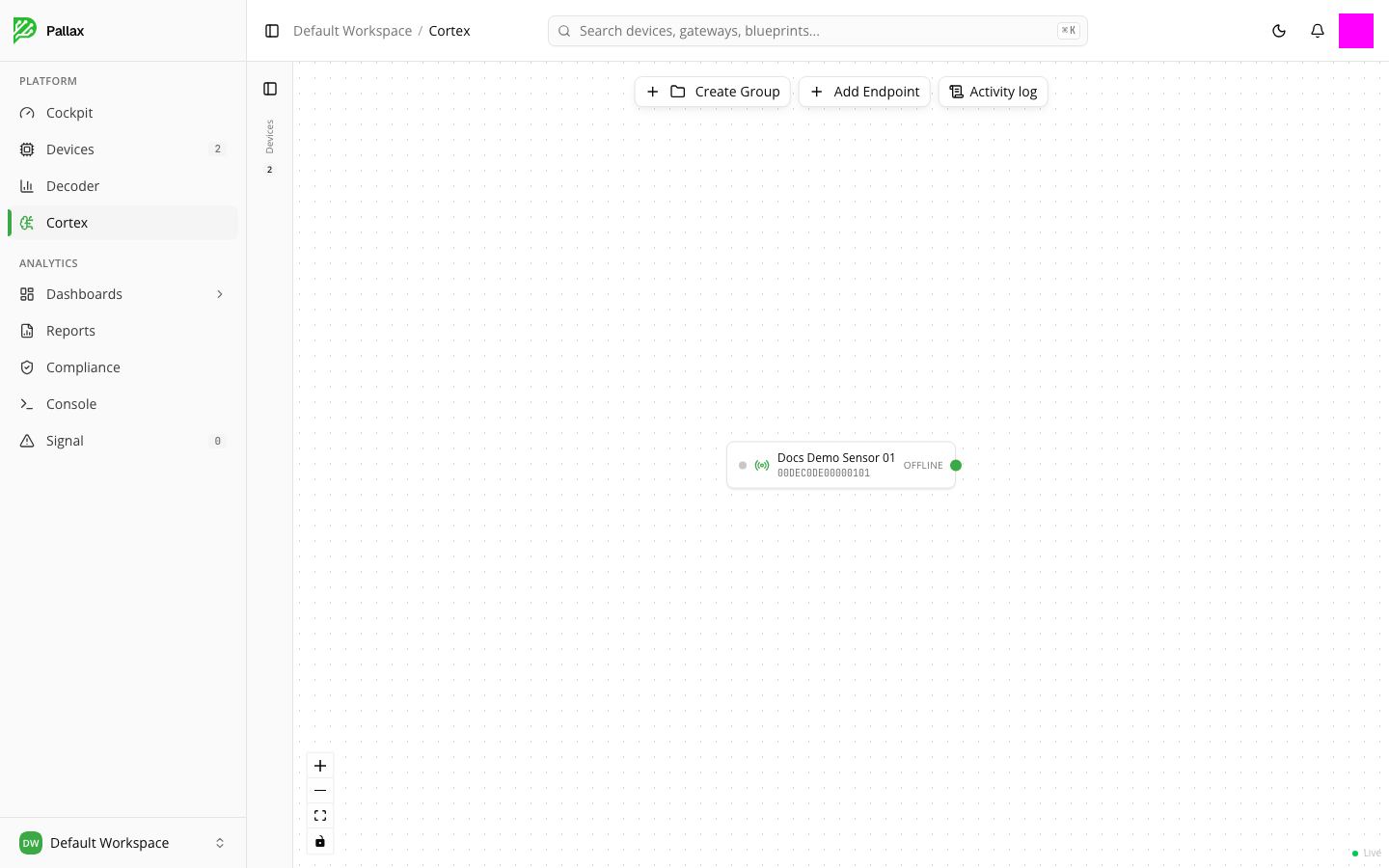
Cortex opens a canvas where your devices appear as nodes — on the left, a collapsible device panel shows their count and connection status. The "Live" dot in the bottom right indicates that the view updates continuously. You can zoom in and out, fit the view, and turn interactivity on or off.
The first time you open it, it can take 20 to 30 seconds for the canvas to load completely — that's normal, not an error.
Setting up data destinations
- Create Group combines several devices into a group.
- Add Endpoint creates a new destination that data is forwarded to.
- Activity log shows you the history of activity on this canvas so far.
Destination types, configuration, and monitoring individual routes in detail: Cortex in depth.