
Signal
Signal is your alert inbox: rules detect unusual conditions on your devices, and quiet, bundled digests summarize them instead of flooding you with individual notifications.
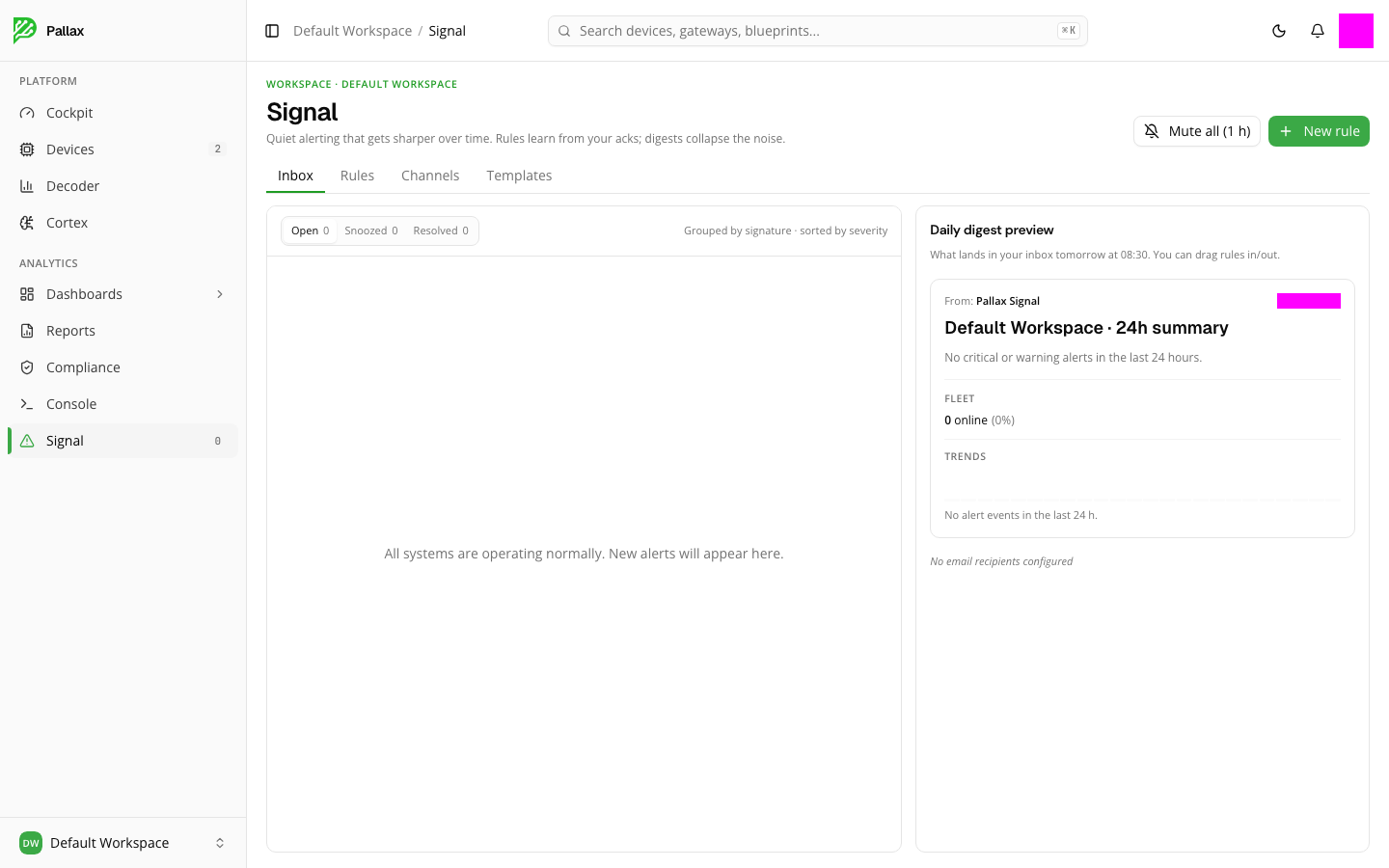
Keeping track of your alerts
The inbox groups open alerts by signature and sorts them by severity. The Open, Snoozed, and Resolved tabs show you the status of each alert. If no problems have occurred, the inbox says so openly — "All systems are operating normally" — instead of leaving an empty table without comment.
On the right you see the daily digest preview: what would land in your inbox tomorrow at 08:30, including fleet status and trends from the last 24 hours. Drag and drop to exclude individual rules from this digest, or include them again.
Managing rules and channels
New rule creates a new alert rule — first you choose the rule type (for example, a threshold that triggers once a reading crosses a limit) and the severity; you can save the draft at any time without activating it immediately. Under the Rules tab you manage existing rules, under Channels the delivery paths, and under Templates reusable rule templates.
Mute all suppresses every new notification for an hour — handy during scheduled maintenance.